— Pre-IPO Participation

A Clear Path from Registration to Share Ownership

Understand the steps required to participate in the Ameritec IPS Pre-IPO program, from account verification to completing an eligible share purchase and managing your holdings.
Register to Participate See How It Works

01

Create Account

02

Complete Verification

03

Prepare USDT

04

Purchase Shares

05

Manage Holdings

— Trading process

How Pre-IPO Participation Works

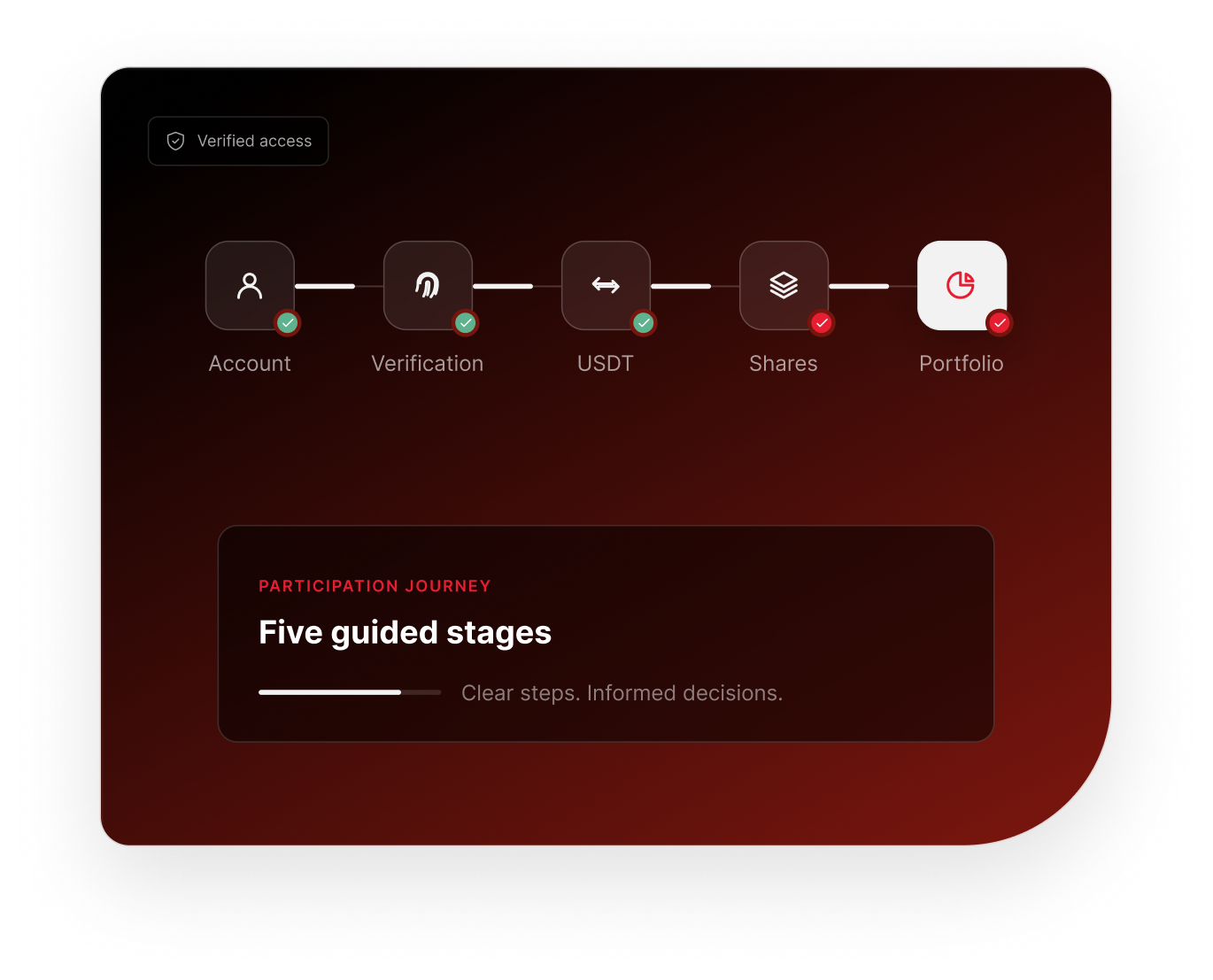
The Ameritec IPS participation process is designed to guide eligible users through account setup, verification, funding, share selection, and portfolio management.

01
Step 01

Create Your Account

Begin by creating an Ameritec IPS investor account using the required contact and account information.

  • Account registration
  • Required agreements
  • Referral information where applicable

Create Account

02
Step 02

Complete Identity Verification

Before accessing eligible investment functionality, users may be required to complete identity verification and account security setup.

  • Identity documents
  • Supporting documentation where required
  • Face verification
  • Two-factor authentication

Verification may require review before account access is fully enabled.

03
Step 03

Prepare Your USDT Balance

Eligible users can follow the Investor Portal funding instructions to prepare the USDT balance required for a share purchase.

  • View funding instructions
  • Review wallet information
  • Confirm supported network
  • Wait for required transaction confirmation

Always confirm the supported network and wallet information shown inside your Investor Portal before transferring digital assets.

04
Step 04

Choose Shares & Review Purchase

Use the Investor Portal to enter the purchase amount, select an available share type, and review the transaction before confirmation.

Illustrative example only
Purchase Amount1,000 USDT
Example Price2.00 USDT / Share
Estimated Shares500
Share TypeShare A


Estimated Share Quantity = Purchase Amount ÷ Applicable Share Price

05
Step 05

Confirm & Manage Holdings

Review the final transaction details, complete required security verification, and monitor completed holdings through the Investor Portal.

  • Review transaction
  • Security confirmation
  • Transaction status
  • Portfolio update
  • Transaction history

Investor Login

— The complete journey

From Account to Portfolio

A connected sequence designed to keep each stage clear and reviewable.

Register

Verify

Fund

Select

Confirm

Portfolio

— Preparation

Before You Participate

Review the foundational account and information requirements before beginning an eligible purchase.

01

Account Registration

An Ameritec IPS investor account is required.

02

Identity Verification

Required verification must be completed where applicable.

03

Account Security

Two-factor authentication may be required for sensitive account actions.

04

Available Balance

A sufficient eligible balance is required before completing a purchase.

05

Applicable Offering Information

Participants should review relevant terms and information before proceeding.

— Share selection

Understanding Share Options

The Ameritec IPS platform supports Share A and Share B selections during the participation process.

Feature
AShare A
BShare B
Available in Platform
Yes
Yes
Purchase Through Investor Portal
Yes
Yes
Portfolio Tracking
Yes
Yes
Transaction History
Yes
Yes
Detailed Terms
Refer to applicable offering information

A
Share A

Ameritec IPS Pre-IPO Share A

Available for eligible transactions through the Ameritec IPS Investor Portal.

Register to Participate

B
Share B

Ameritec IPS Pre-IPO Share B

Available for eligible transactions through the Ameritec IPS Investor Portal.

Register to Participate

— Educational example

See How a Purchase Is Calculated

Use the applicable share price shown in the Investor Portal to understand the estimated quantity before confirmation.

Purchase Amount

1,000

USDT

Illustrative Share Price

2.00

USDT

Estimated Shares

500

Shares

— Purchase preview

Review Before You Confirm

Before completing a purchase, review each displayed transaction detail and complete any required account security step.

See the full transaction summary

Complete required security verification

Retain a transaction record in your account

Transaction Preview

Review Purchase

Example Interface

Purchase Amount
1,000 USDT
Share Type
Share A
Illustrative Price
2.00 USDT
Estimated Shares
500
Applicable Fee
Shown at confirmation
Total
Calculated before confirmation

This public preview does not execute a transaction.

— Ongoing visibility

After Your Purchase

Your Investor Portal provides the next-stage visibility after a transaction is submitted.

Transaction Status

Track the transaction status from your account.

01

Portfolio Update

Completed holdings can be reflected in your share portfolio.

02

Transaction History

Review relevant transaction records and references.

03

Investor Support

Access support resources if you need help with a transaction.

04

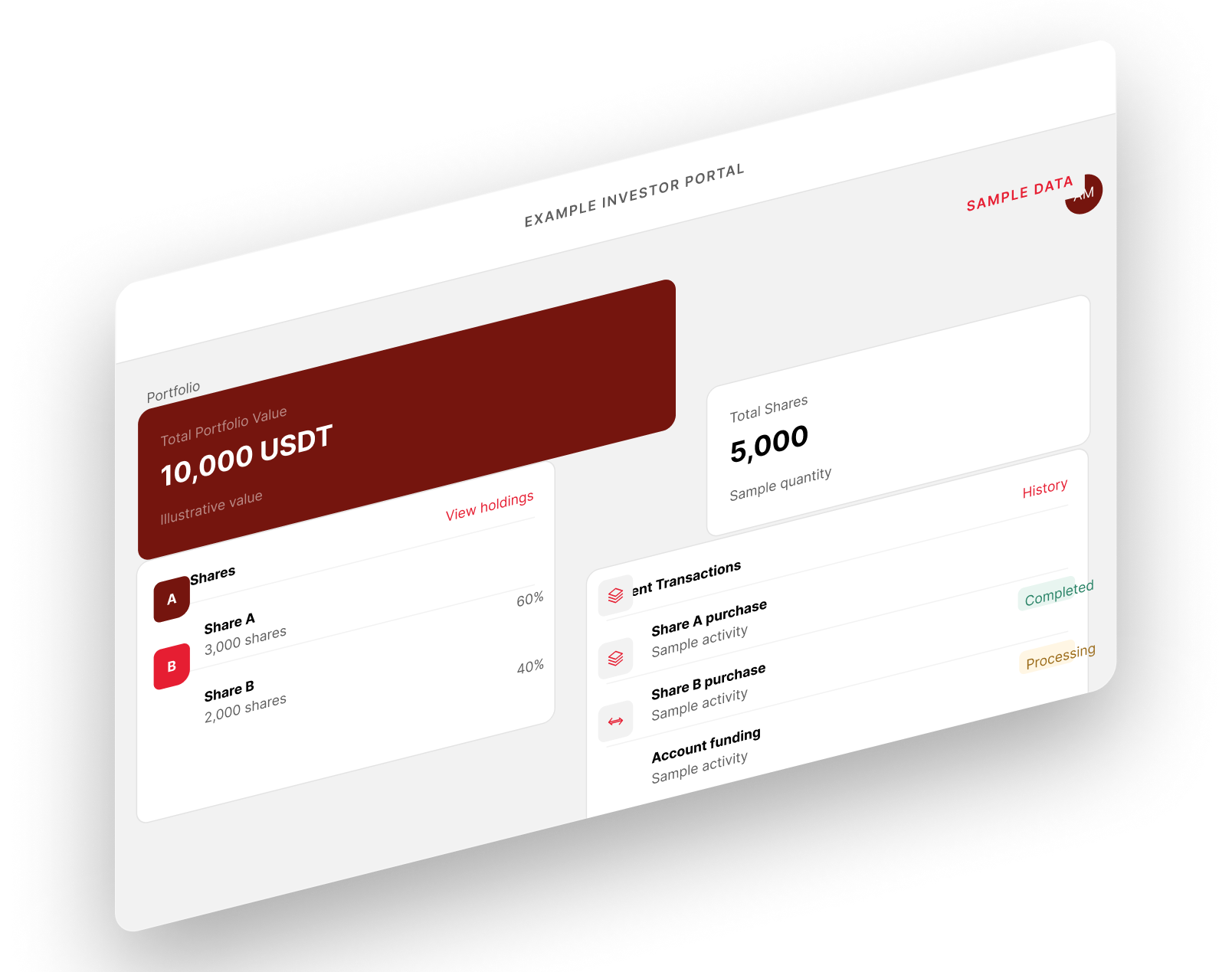
— Example Investor Portal

From Purchase to Portfolio

Monitor sample holdings, share quantities, and transaction activity from one conceptual account view.

Transaction Check

Before Confirming a Transaction

Take time to review each transaction detail displayed by the platform before proceeding.

  • Review the selected Share type.
  • Confirm the applicable Share price.
  • Confirm the final Share quantity.
  • Complete required account security verification.
  • Review the purchase amount.
  • Review any displayed fee.
  • Verify wallet and network information before transferring USDT.

Important notice: Digital asset transfers may not be reversible. Always verify the destination information and supported network displayed by the platform before sending funds.

— Educational example

Understanding Transaction States

Status labels help explain where a submitted transaction is in the platform workflow.

Pending

Transaction has been received and is awaiting the next processing stage.

Processing

Transaction processing is underway.

Completed

The transaction has successfully completed.

Failed

The transaction could not be completed.

Status examples do not imply a specific processing time.

— Common questions

Trading FAQ

Conservative answers to common questions about the public participation process.

— Guidance when you need it

Need Help With a Transaction?

Visit the Help Center for guidance on funding, transactions, account access, and common platform issues.

— Access the investor experience

Ready to Participate?

Create your account, complete the required verification process, and access the Ameritec IPS Investor Portal.

Important Information
Pre-IPO investments involve risk and may not be suitable for every participant. Availability, pricing, eligibility, transaction requirements, and offering terms may change. Review applicable information before making investment decisions.